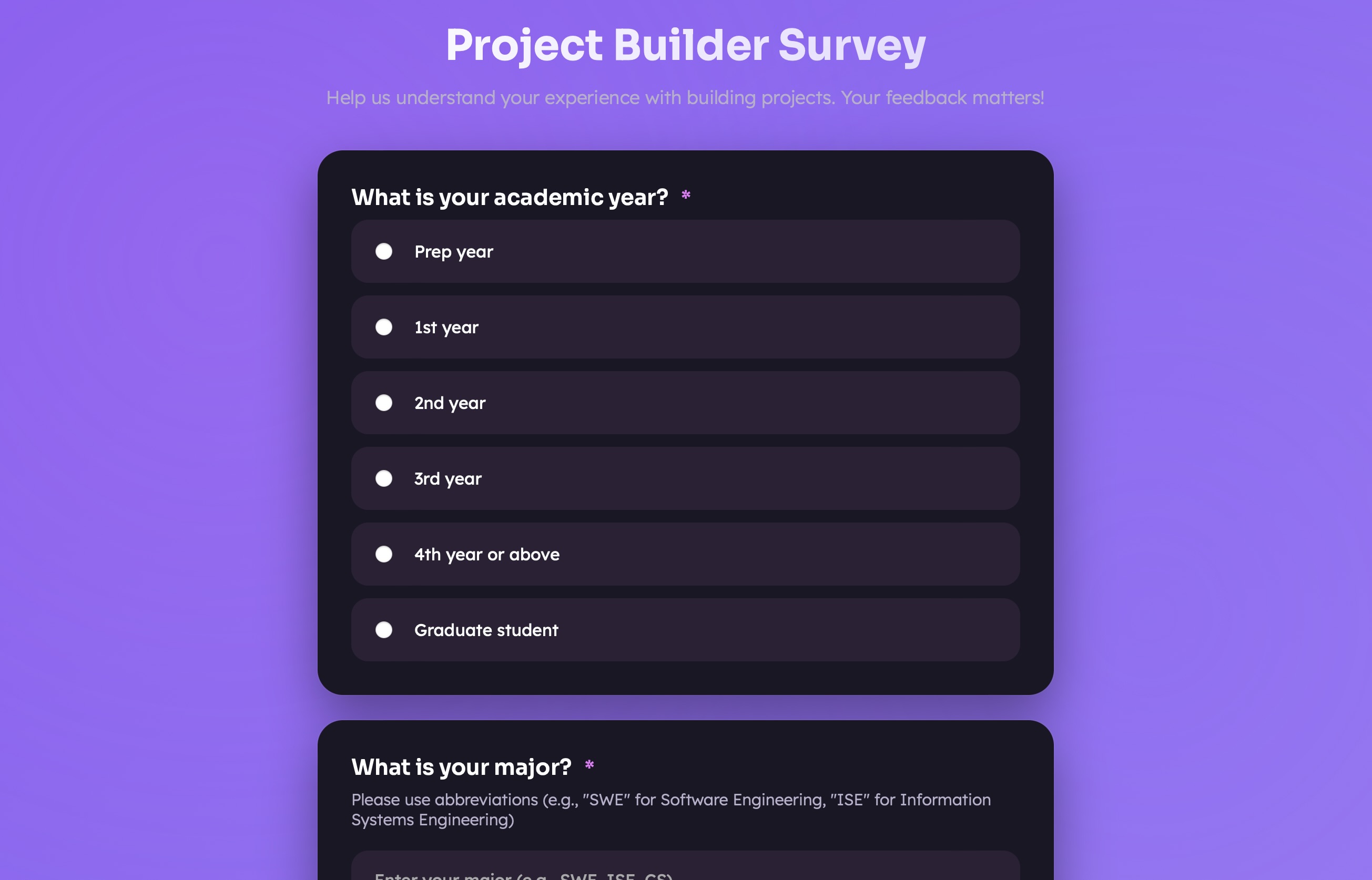
A fully custom-built survey experience built for a specific project — designed to collect structured user feedback with a clean, branded interface rather than a generic Google Form.
Instead of defaulting to a Google Form or Typeform, this survey was built from scratch to match the visual identity of the project it was collecting feedback for. The result is a multi-step survey flow that feels cohesive and intentional rather than generic.
It includes multiple question types — multiple choice, scale rating, and open text — with live validation and a clear progress indicator keeping users oriented through the form.
The goal was to collect meaningful, structured responses while giving respondents a pleasant experience. Generic survey tools break the visual flow of a project; a custom-built form keeps respondents in context and tends to produce higher completion rates.
The survey is split into logical sections. Users see one step at a time, reducing cognitive load compared to a long single-page form. Transitions between steps are animated for a smooth, app-like feel.
Each step validates before allowing the user to advance. Required fields are checked, error messages appear inline, and the form prevents submission of incomplete data without jarring page-level error states.
A visual progress bar shows how far into the survey the user is, improving completion rates by setting clear expectations about how much is left.
Managing form state across multiple steps in vanilla JavaScript — without a framework's state management — required careful DOM manipulation and a clear data model for tracking responses. It was tempting to reach for React, but keeping it vanilla was a deliberate constraint to deepen the fundamentals.
Building this reinforced how much user experience matters even in something as utilitarian as a form. The same data can be collected in a frustrating 5-minute grind or a smooth 2-minute flow — the difference is entirely in the design and implementation choices.