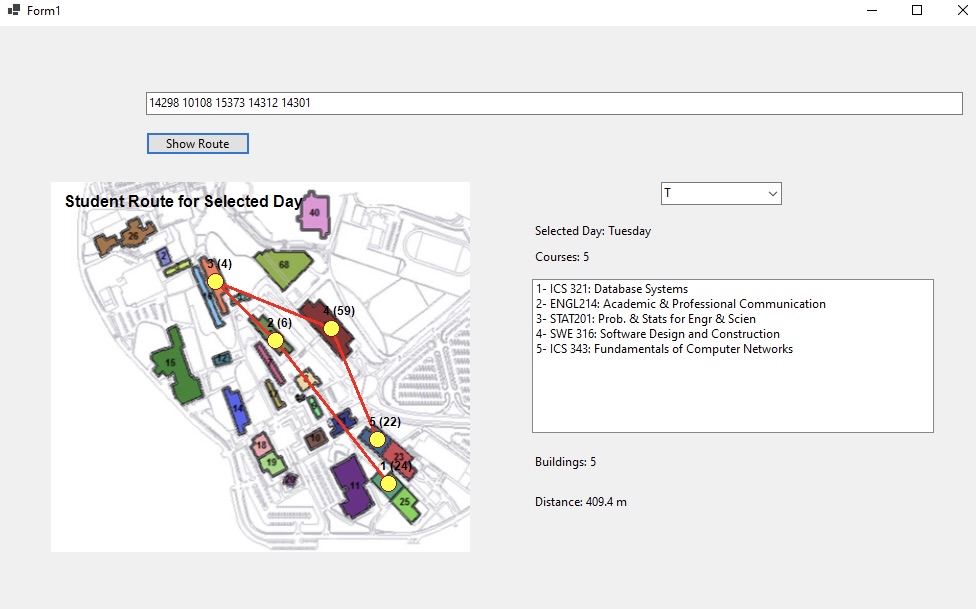
Reads a Term Schedule Excel file, extracts course locations, and visualizes the optimal route between class buildings for a given weekday — built to practice core OOP design principles.
Campus Route Visualization is a C# desktop application built for the SWE316 software engineering course. It reads a student's term schedule from an Excel file, parses the course information and building codes, then lets the user enter a list of CRNs and a weekday to see the walking route between their classes on a campus map.
The project was built specifically to practice Abstraction and Encapsulation, the Single Responsibility Principle, and the Open-Closed Principle — making the design intentionally pattern-forward rather than the simplest possible implementation.
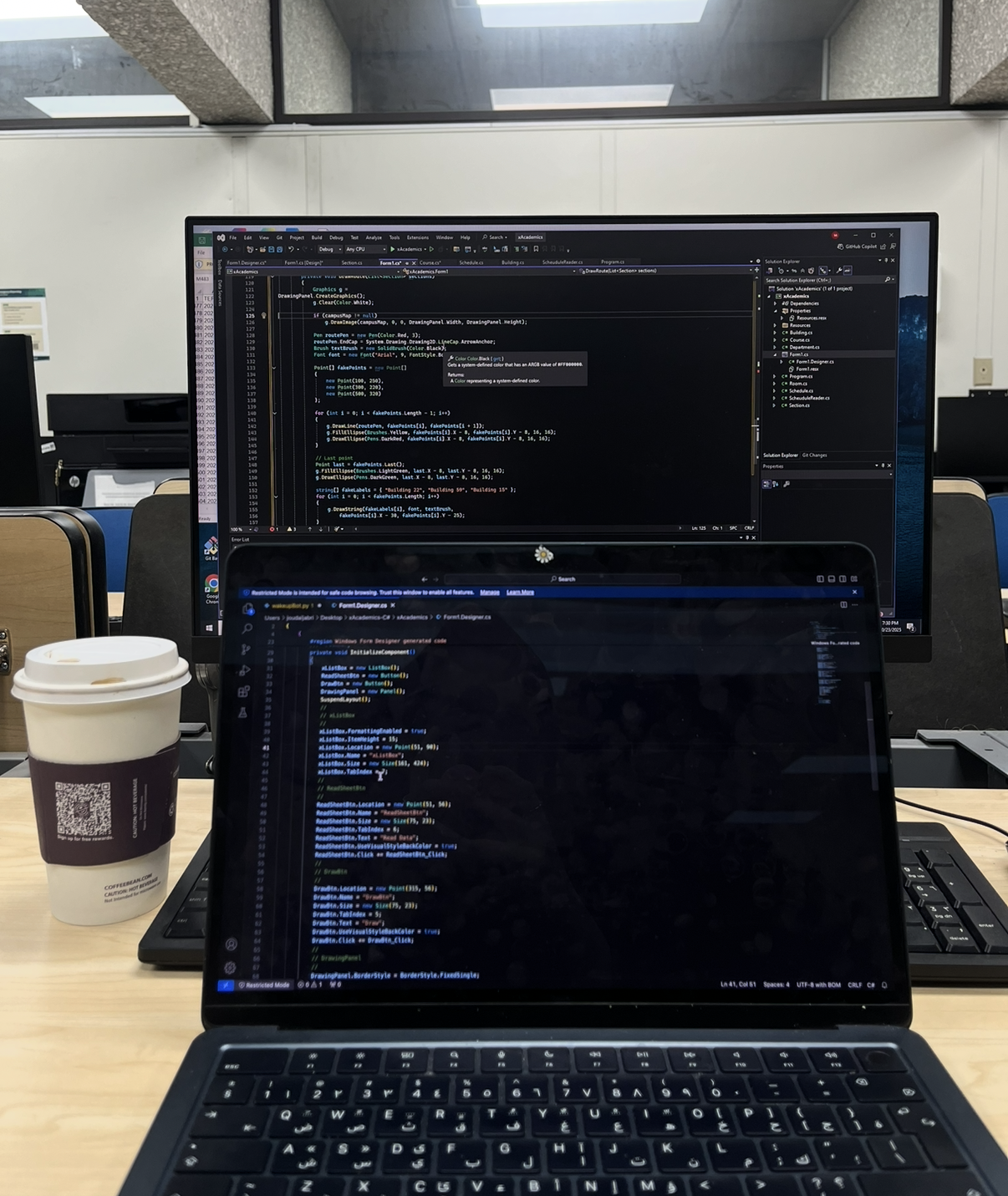
Short funny story: I had to work on this HW on a window as it was much easier to code with C# on visual studio, and that unfortunately isn't available on my mac. So I had to visit the lab 3-4 times that week and it was the beginning of our midterm break... Enjoyed it however
The goal was to take a real, relatable problem — figuring out how to walk from one class to the next — and use it as a canvas for demonstrating clean OOP design. Each design decision had to be justifiable in terms of a specific principle: why is this class responsible for only one thing? Where is this open for extension but closed for modification?
The app reads any KFUPM-format Term Schedule Excel export, extracts course CRNs, building codes, room numbers, and time slots. The parser is isolated in its own class layer, making it easy to support different schedule formats without changing the rest of the system.
Once a weekday is selected, the app renders the buildings as nodes on a campus map canvas and draws the route connecting them in chronological class order, giving a clear visual of how much walking is involved between back-to-back classes.
The codebase demonstrates Abstraction through interfaces separating concerns, Encapsulation by hiding internal building coordinate logic, SRP by ensuring each class has one reason to change, and OCP by using abstractions so new building layouts can be added without modifying existing classes.
The hardest part was mapping building codes from the schedule file to actual coordinates on the campus map image. The coordinate system had to be calibrated manually against a real campus map, which involved a fair amount of trial-and-error pixel alignment.
Applying OOP principles strictly also made some things more verbose than a quick script would be. Knowing when a principle adds genuine value versus when it's over-engineering is still something I'm calibrating.
This project made OOP principles tangible in a way that lectures alone don't. Seeing SRP save you from a painful refactor — because you isolated the Excel parser early — is worth more than any diagram explaining why you should do it.
It also reinforced that design patterns exist to solve specific problems. Applying them without a concrete reason just adds complexity. The OCP is only valuable if you actually need the extension point it creates.